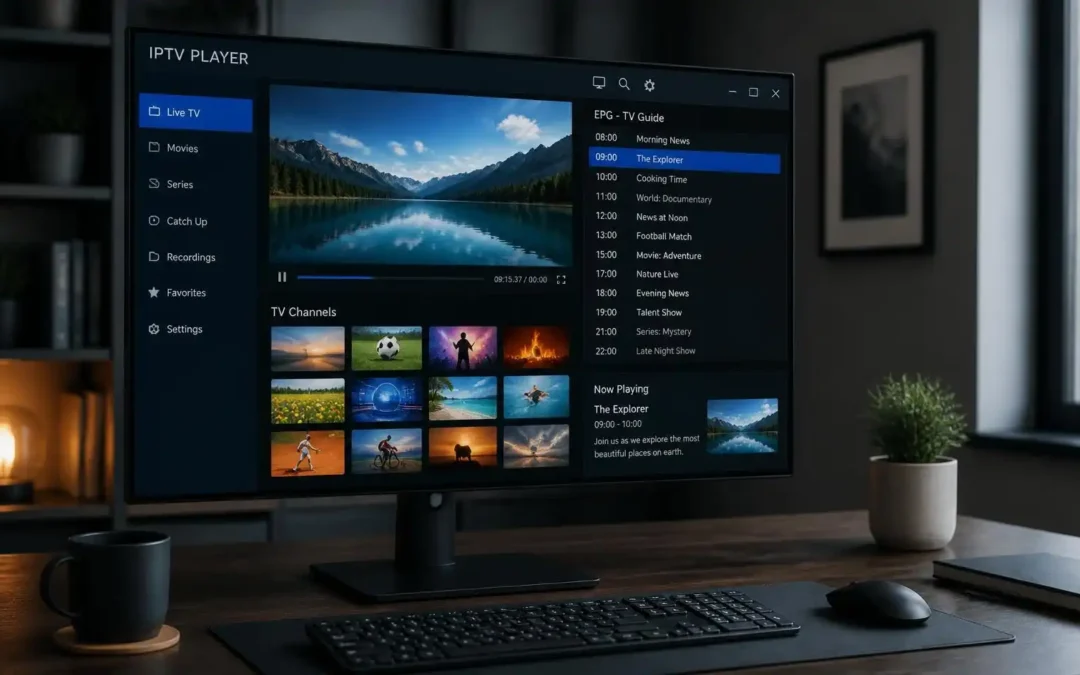
by Admin | Oct 19, 2026 | IPTV Subscription UK
IPTV Player for Windows allows you to access compatible live TV streams and other supported content on your PC through an internet connection. First, select a reliable player like VLC, Kodi with IPTV Simple Client, or a dedicated IPTV app of your choice. Install the...
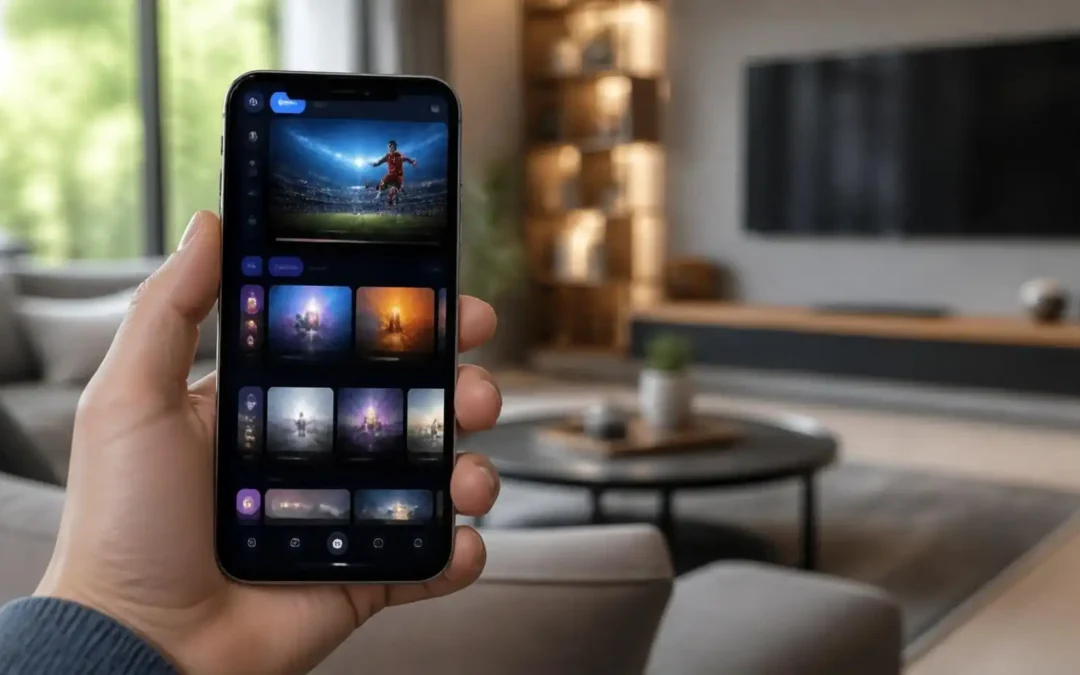
by Admin | Oct 18, 2026 | IPTV Subscription UK
This complete guide from Viking IPTV will teach you everything you need to know about using an IPTV Player on Android. Learn how to choose the correct IPTV App for Android devices, install the player, add a compatible playlist and watch IPTV on your Android phone....
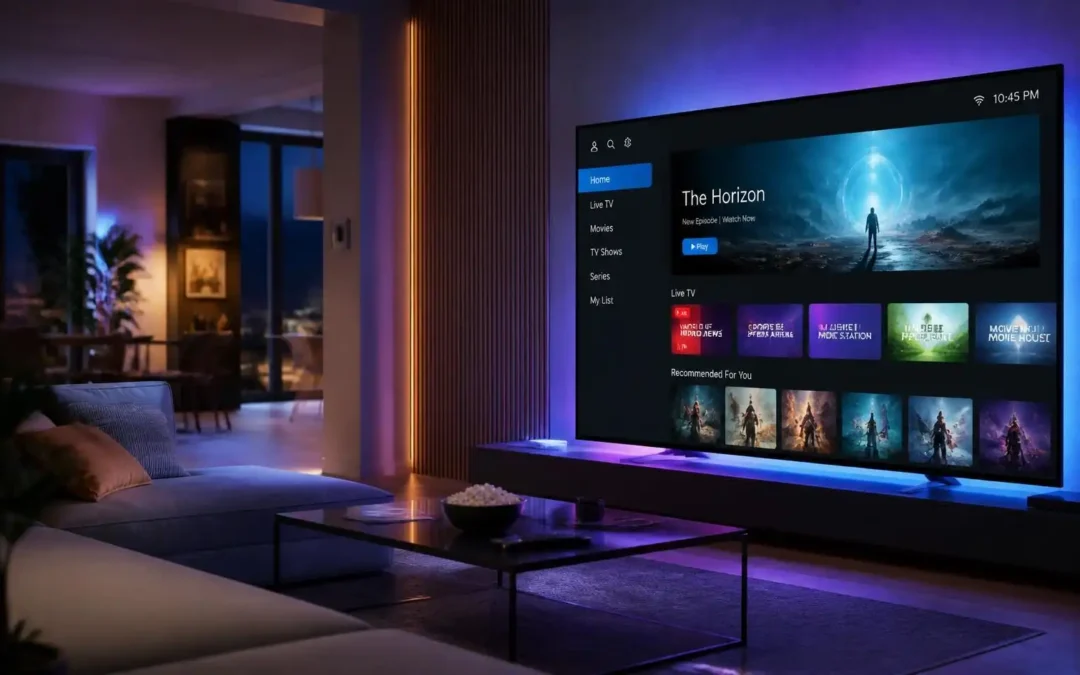
by Admin | Oct 14, 2026 | IPTV Subscription UK
How to Install an IPTV Player on Smart TV – Viking IPTV How to set up an IPTV Player on Smart TV? Viking IPTV offers a step-by-step guide to setting up an IPTV Player on Smart TV. It covers choosing a compatible IPTV app, configuring M3U playlists or supported...
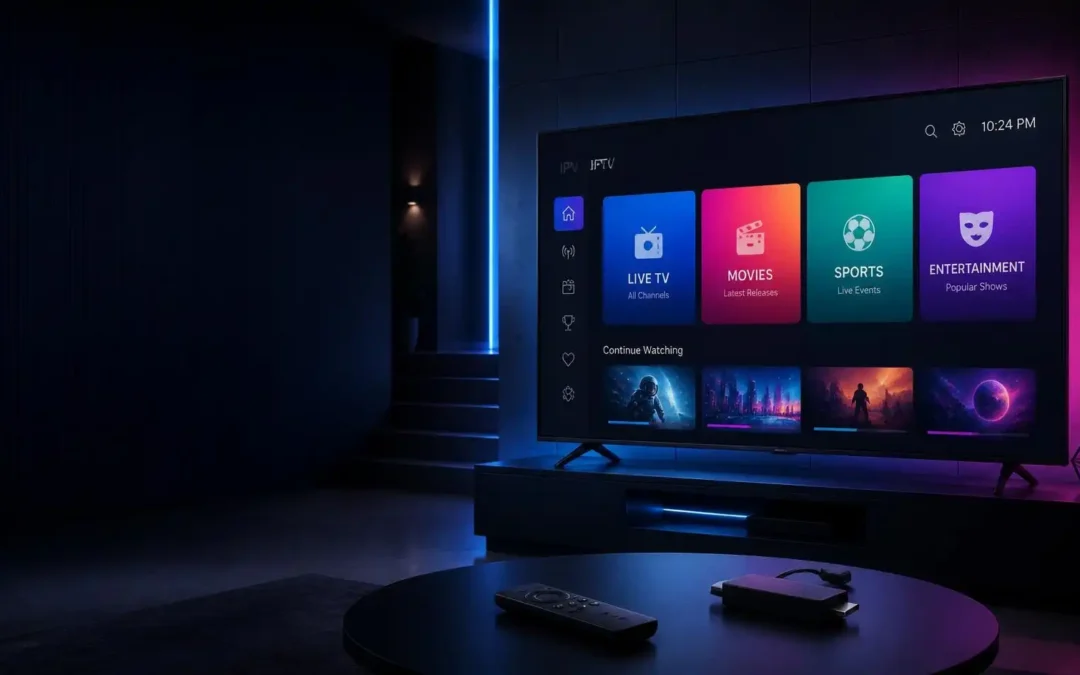
by Admin | Oct 11, 2026 | IPTV Subscription UK
How to Install & Setup an IPTV Player on Firestick – A Practical Guide by Viking IPTV Find out the best IPTV apps for Amazon Fire TV Stick, how to install them step by step, how to connect your IPTV service, improve streaming quality, and fix common problems like...
by Admin | Oct 9, 2026 | IPTV Subscription UK
How to Install IPTV Player on Firestick, Smart TV, Android, iPhone and Windows – Step by Step Instructions This guide explains how to download a compatible app, add an M3U playlist or account details, configure settings and troubleshoot common installation issues....
by Admin | Oct 8, 2026 | IPTV Subscription UK
An IPTV player is an application that allows you to stream television content over an internet connection to your Smart TV, Firestick, Android phone, iPhone or Windows computer. Learn how an IPTV player works, how to set it up, what features to look for, and how to...
by Admin | Oct 7, 2026 | IPTV Subscription UK
There are many reasons you may be having problems with your IPTV app, such as bad internet connections, outdated apps, corrupt cache files, incorrect login details, device storage issues, or short-term service issues. This complete guide will help you find easy ways...

by Admin | Oct 6, 2026 | IPTV Subscription UK
Buffering on IPTV occurs when your internet connection, Wi-Fi signal, streaming device, IPTV player or the individual stream can’t deliver the data smoothly. Typical reasons are unreliable internet, poor Wi-Fi, network clog, old apps, and device speed issues. This...
by Admin | Oct 5, 2026 | IPTV Subscription UK
To watch live TV and other IPTV content on a Windows PC or laptop you will need a compatible IPTV player for IPTV on Windows. To begin, you’ll usually need a stable internet connection, an IPTV subscription, and the correct M3U playlist or login details from your...
by Admin | Oct 4, 2026 | IPTV Subscription UK
You can watch television and other internet-delivered content directly on an iPhone with IPTV on iPhone using an IPTV player. You will generally need a valid IPTV subscription or playlist, a compatible iOS IPTV app and a stable internet connection to begin. Usually...