

This guide tells you what to look for when choosing an IPTV service and that this is more a matter of practical factors than the question of cost or number of channels. It allows readers to compare IPTV providers by checking device compatibility, streaming quality, internet requirements, subscription terms, connection limits, customer support, trial options, payment security, privacy policies, and content authorization. The article also includes how to test an IPTV service before committing to a longer subscription, spot common warning signs, troubleshoot buffering and login issues and avoid common pitfalls when selecting an IPTV provider. The aim is to give newbies the basics of what they should be looking for in an IPTV service and help them choose something that fits their viewing needs, devices, network, and budget.
How to Choose IPTV Service – A Useful Guide for Newbies
Selecting an IPTV service can be confusing because many providers appear to offer similar features. One may advertise thousands of channels, another may focus on device support, while a third may boast low prices or a free trial. The trouble is that these details on their own won’t tell you if a service will actually suit your needs.
If you are wondering how to choose an IPTV service, the best way to go about it is to look beyond the number of channels being advertised. You should look for reliability, device compatibility, streaming quality, pricing, customer support, availability of trials, payment security, privacy, and whether the service is legal in your country.
This guide explains what to look for when you subscribe. It also discusses common mistakes, questions to ask a provider, and what to do if an IPTV service doesn’t perform as expected.
Understand What You Really Need From IPTV
Before you begin to compare providers, decide what you want from the service. The importance of features will depend on your needs. Someone watching mostly live TV might have different priorities than someone who wants movies, sports, or occasional viewing on multiple devices.
Choose what you want to watch
Begin by writing down a simple list of the things you normally watch. You may want live TV, entertainment channels, news, sports, movies, children’s programming, international channels or a combination.
Don’t choose a service just because it has a massive channel list. Having a lot of channels does not mean the channels you want, are available or work reliably.
If there are certain channels that are important to you, be sure to check the provider’s current channel list before you subscribe. Channels can come and go, so don’t rely on an old screenshot or unofficial list copied from some other website.
Also consider if you only need live TV, or if you’d like to add on demand content. This can help you compare services based on actual use, not marketing claims.
Check how many people are going to use it
Think about who will be using the service and how many devices you expect to connect.
If you’re the only one who’s going to watch, a single device plan may be enough. If you have a house full of viewers, you may need a plan that specifically accommodates multiple simultaneous connections.
Don’t take for granted that a subscription means unlimited devices or streams at the same time. Providers can set different rules for accounts, connections and devices.
Before you pay for, check the provider’s terms.
Supported devices
Maximum number of connections
Rules for streaming simultaneously
Account sharing restrictions
Conditions for renewal
This is crucial when choosing the best IPTV service, because what seems like a cheap plan might not be what your household truly needs.
Think About Your Internet Connection
As IPTV streams over the Internet, your network can play a large role in your streaming experience.
Before you blame a provider for buffering, make sure your internet connection is up to the quality you want to watch. Generally, better quality video will require more bandwidth and a stable connection.
Wi-Fi can also be a problem if the router is far away from the TV or if there are too many devices on the same network.
If possible, use a wired Ethernet connection on a television or streaming device that is close enough to connect directly. Otherwise, put your router in a location that receives a better wireless signal.
If you know your own setup first, it’s a lot easier to choose an IPTV provider.
Carefully Compare IPTV Providers
When you know what you need, you can begin comparing providers. Don’t make your decision based on price alone. Two services with similar price tags can offer very different experiences.
Check if Your Device Works
One of the first questions you should ask is whether the service works with your device.
IPTV can be viewed on compatible smart TVs, streaming devices, Android devices, computers, smartphones or other supported platforms, depending on the provider and application used.
Don’t trust that an IPTV service works on all devices just because the website says ‘all devices’.
Check for specific compatibility info for the device you own. For example, see if the provider explains how its service works on your particular smart TV platform, Fire TV device, Android device, iPhone, tablet or Windows computer.
You should also check if you need a separate IPTV player application. In many cases the service and the player are different products.
Verify Streaming Quality and Reliability
It’s about stream quality, not just impressive numbers on a sales page.
When you use a service check to find out how steady the stream is, what video quality it supports, how often the servers are available and how the service deals with times when there is a loSt of usage.
The provider cannot guaranty that all streams will always work perfectly. Internet routing, local network conditions, device performance and content availability may affect playback.
If a provider offers a genuine trial, make use of it to try out the service in normal conditions. Try it for only a few minutes instead of watching during the times you usually use IPTV.
Pay attention to:
Buffering…
Speed of channel loading
Image quality
Consistent audio
Stream breaks
App performance
Available at channel
This practical test will tell you more than a long list of features advertised.
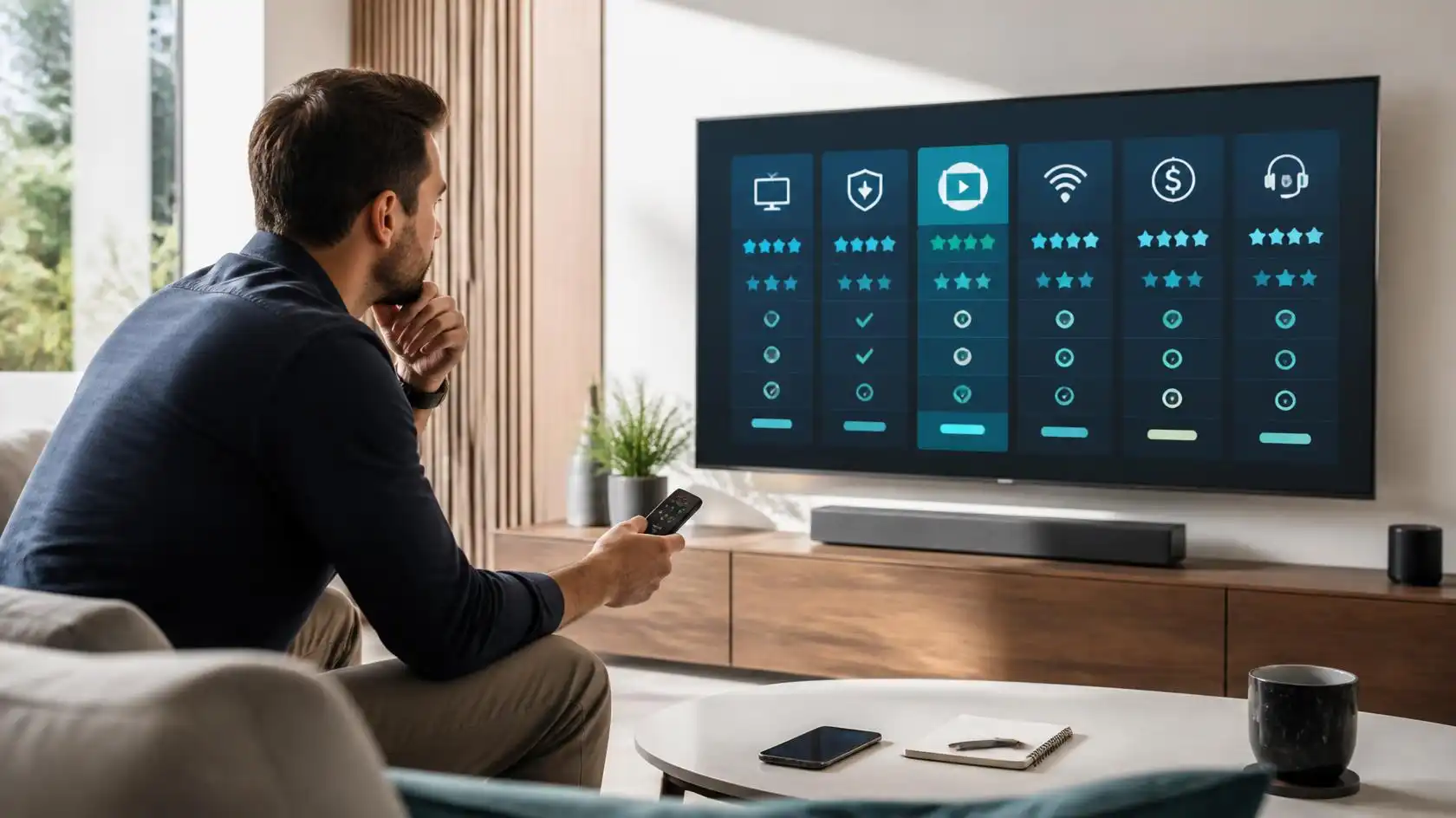
Pricing & Subscription Policy Review Terms
You should also consider the price against the content of the subscription.
Check the total cost, the length of the subscription, the renewal price, the limits of the connections and any other requirements. A low initial payment is not necessarily the cheapest in the long run.
Before you buy, be sure you can find clear information on:
Subscription Length
Renewal conditions
Cancelation Policy
Terms of Trial
Payment Methods Accepted
Links number
Additional fees
Be especially careful if a website hides important terms until after you have paid.
A transparent provider will give you a decent idea of its prices and conditions before you sign up.
Check Legitimacy, Reliability and Security
One of the main factors to take into account when searching for an IPTV service is the trustworthiness and legality of the service.
IPTV is only a method for transmitting TV content via an internet connection. The legality of an individual IPTV service, however, will depend on the content they offer, the rights involved and the laws in your country.
Check the Service and Its Content Rights
Don’t assume that the content rights are equal across all IPTV providers.
If a provider offers television channels or other copyrighted content, ask yourself whether it has the rights or authorization to distribute that content in your region.
Beware of services that make big claims but provide little information about who runs them or how they license their content.
You don’t have to know every licensing deal to make a reasonable choice. But knowingly subscribing to services that provide content without authorization is something you should not do.
If you are looking for an IPTV service, don’t rely solely on comments or promotional posts, but also check the terms, policies and business information of the provider itself.
Secure your payment and personal information
Consider an IPTV subscription like any other online purchase.
Ensure you are on the provider’s legitimate website or a legitimate payment page before you start entering payment information. Do not send sensitive payment information through random social media accounts or unofficial contacts.
Check for elementary security indicators, like a secure HTTPS connection and transparent payment details.
The question is whether it is possible to avoid a crisis. Sure a normal subscription will need some account information but a provider should not be needing unrelated sensitive information just to provide a streaming service.
If you require an account, use strong and unique passwords especially if you use the same email address for other important services.
Read the Refund Policy and Privacy Policy
What does a refund policy mean? A refund policy tells you what happens if the service does not meet the stated conditions or if you change your mind within the provider’s applicable terms.
A privacy policy describes how your information is collected, used, stored or shared.
Don’t skip these pages even if you’re just buying a small subscription. They can show key conditions that are easily missed on a pricing page.
Before paying see if you can find answers to questions such as:
Do you have a return process?
Are trials refundable or not?
What data does the provider collect?
How do I contact support?
What happens when a subscription runs out?
Are you using recurring payments?
This information will help you make a better decision.
Try the Service before you make a long term commitment.
Make sure the provider has a legitimate trial period to use as a working evaluation period. A trial can help you see if this service works for your actual setup and viewing habits.
Test Your Channels
Don’t just randomly try channels and think this will work the same.
Make a shortlist of channels, or groups, that matter most to you. Try those first.
If you tend to watch live TV in the evenings, give the service a try during your normal viewing time. If you watch different types of content, try different categories than just one channel.
I don’t know who the hell you are. Example if one channel buffers all the time but other channels play normally that could be specific to that stream.
This way you get useful information before you sign up for a longer subscription.
Try Different Devices
If you are going to use IPTV on more than one device, test the devices you actually want to use.
You can, for example, use your phone or computer when traveling and a smart TV as your main screen. Some things that work well on one platform may require a different setup process on another.
Verify that the application is easy to install, login credentials work well and the interface is comfortable to navigate.
Take a look at how the service handles switching between devices, too. Some subscriptions limit the number of simultaneous connections.
One of the easiest ways to pick the right IPTV service for you is to test the actual environment.
Normal Use Testing
A brief test in a quiet period may miss issues that arise during normal peak usage.
If possible, try the service at various times. Look for changes in buffering, loading speed or stability of the stream.
You’ll also want to test your home network simultaneously. Run a regular internet speed test . Check if other people are running bandwidth heavy apps.
This helps to tease out provider problems from home-network problems.
For instance, if IPTV buffers only when someone else is downloading a large file, your local network may be part of the problem.
Learn to recognize warning signs
To learn about a service’s transparency, look at the provider’s website. You don’t need to be a seasoned investigator, but there are some red flags to look out for.
Beware of Overly Optimistic Promises
Don’t base your decision on claims of “zero buffering,” “100% uptime,” or guarantyd access to everything.
Internet streaming is subject to many factors beyond a provider’s direct control. Your network, device, internet route and other technical conditions can affect playback.
No marketing statement can promise that every stream will work perfectly on every network at all times.
Instead, look for specific information you can confirm. Over-the-top promises are less helpful than clear device instructions, published terms, transparent pricing and accessible support.
Be Wary of Poorly Explained Subscriptions
Subscription terms must be understandable.
Watch out for sites that don’t clearly indicate how long a plan is for, how many connections it allows, what happens at renewal, or how refunds work.
Watch out for sites that keep sending you to pages that are completely irrelevant to what you’re trying to buy or that hide the identity of the person actually selling the service.
Know what you’re buying before you pay for it.
A good rule of thumb: If you don’t understand what the subscription terms are before you pay, don’t buy it in a hurry.
Avoid Copy-Paste Reviews as Primary Evidence
Reviews are helpful but not the only source of information you should use.
Some of the reviews may be old, promotional, copied or from a completely different internet connection and device.
Instead of one star rating or a few testimonials, combine different types of proof:
Documentation for providers
Current subscription terms
Trial experience if any
Information on Device Compatibility
independent user experience
Facilitate responsiveness to customers
This gives you a broader perspective.
If you are researching Viking IPTV or any other provider, try to focus on the information that will help you understand how the service actually works, rather than just the promotional claims.
Resolve IPTV Issues Before Switching Providers
Sometimes a streaming problem isn’t the fault of the provider. Before canceling a service, do a few basic checks.
Fix Slow Playback & Buffering
If IPTV keeps buffering, check your internet connection first. Restart your router and streaming device, then close any unused apps or downloads. Moving closer to the router or using an Ethernet connection can also improve stability.
Next, try another streaming service to see whether the same problem occurs elsewhere. When multiple streaming platforms buffer, your internet connection or home network may be causing the issue.
For IPTV-specific problems, test several channels instead of relying on one stream. A single channel may have an issue while other channels continue to work normally.
When buffering affects multiple channels, contact the provider’s support team and share useful details such as your device, application, approximate time of the issue, and the content you were trying to watch.
Solve Login and Connection Issues
Often, the problems are caused by incorrect login details when setting up IPTV.
Make sure you type the username, password, server address or playlist details exactly as given. Be careful of extra spaces and wrong characters.
If the provider uses an activation link or specific setup format, you must follow the provider’s official instructions and do not change settings at random.
Also verify that your subscription is still active and that you are not reaching a connection limit.
If your credentials are correct and account still does not connect, contact support rather than changing settings multiple times.
Fix app & device problems
In case your IPTV app keeps crashing, freezing or simply refuses to load, start with some basic troubleshooting.
Restart the device and the application. Look for any available app or device updates. Clear the cache of the app or reinstall it if required.
Verify that the device has enough storage and that the operating system meets the application requirements.
If possible, try the account on another supported device. This can help figure out if the problem is with the account or the original device.
You might be switching providers for no reason when the issue is local to your equipment, but a simple troubleshooting process should avoid that.
A Simple Check List Before You Subscribe
Researching several providers can make the final comparison easier by having a checklist.
The Features You Actually Need Compare
Before you look at prices, list your requirements.
Your list might include:
Necessary channels/categories
Device support
Number of linkages
Quality of streaming
Access to trials
Customer support
Subscription period
Returns policy
Privacy policy
Payment methods
Content permissions
Then, compare providers using the same criteria.
This helps prevent one attractive feature from outweighing your decision.
Ask Important Questions of the Provider
If there is no information on the website, contact the provider before you pay.
Useful questions are:
Does this service support my device?
How many connections can I have at the same time on my plan?
Is there a trial version?
What happens at the end of the subscription?
What Is Your Refund Policy?
How do I contact customer support?
Are the channels you advertize authorized for distribution in my area?
The answers may also indicate whether the provider understands its own service and is communicating its terms clearly.
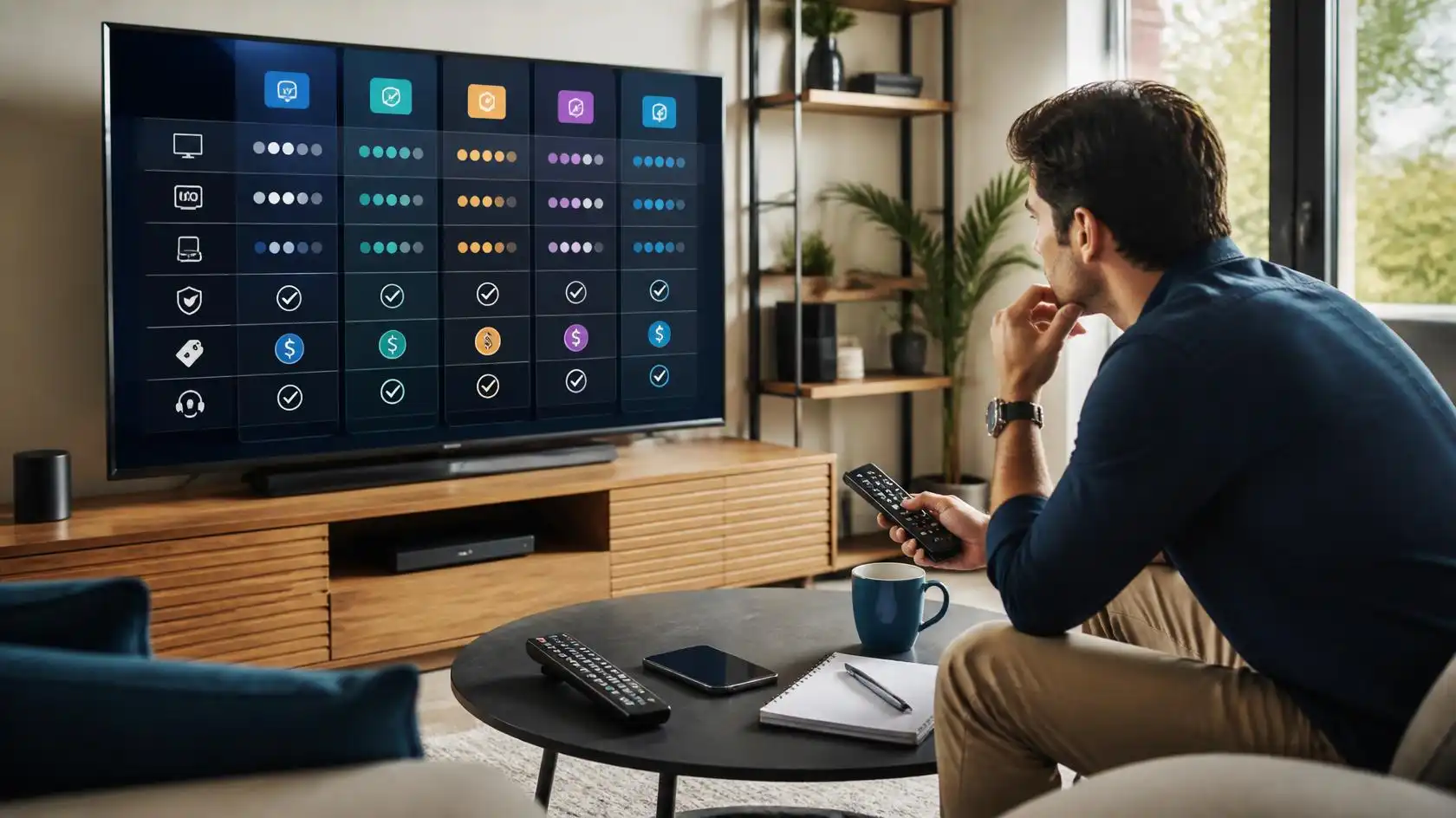
Start With A Commitment That Matches Your Confidence
If you’ve never used a particular IPTV provider, don’t pick a long subscription just because the monthly equivalent looks cheaper.
If your provider has shorter plans available, and the terms are right, it might be worth trying out a shorter plan before committing to a longer one.
Once you’ve tried the service on your own network and devices, you’ll have more information about whether it meets your needs.
Getting the lowest price is not the point. It is knowing exactly what you are buying and if it serves your viewing needs.
Mistakes to Avoid When Choosing an IPTV Service
Many IPTV issues begin before the subscription is even bought. Avoiding a few common mistakes can save you time and money.
Select by Number of Channels Only
It sounds good to have a big channel number, but it doesn’t tell you how many channels you’ll actually watch.
You can have a smaller selection that is more useful to you and your interests than a massive list of channels you never use.
First, always identify your must-have content.
Buy the cheapest plan right away
Price is important, but it shouldn’t be the only factor.
A low-cost plan could have different limits on connection, conditions of support, availability of content or terms of subscription.
Look at the whole package and not one number.
Be sure to check whether the price shown is the introductory price or the regular subscription price.
Ignore your device and network
A service that is technically good may not perform well on the wrong device or unstable network.
Please ensure your device is compatible before subscribing. Then be sure your home network is fast enough for the quality you want.
This is particularly useful if you’re using Wi-Fi in a large house or if several people are sharing the same internet connection.
Top Asked Questions About IPTV Selection
These questions answer some of the most common concerns people have when looking for how to choose an IPTV provider.
How to Pick the Best IPTV Service for You?
Step one: decide which channels and content you really want. Check device compatibility, connection limits, streaming quality, pricing, customer support, trial availability, refund terms, privacy information, and whether the provider is authorized to distribute its content in your region.
Don’t decide on the number of channels or the price alone. It is also important that you have your own device and internet connection.
What to Look for in an IPTV Service?
Check for clear terms of subscription, compatible devices, reasonable support, transparent pricing, suitable content and information about the provider’s rights to distribute the content it offers.
If a trial is available, use it to test your key channels on your real device and network before committing to a longer term.
When Is a Cheap IPTV Service a Good Idea?
No. A lower price does not necessarily mean better value.
Compare included in subscription: connection limits, content availability, support, refund conditions, subscription length.
A cheap plan that doesn’t fit your needs can end up costing you more time and frustration than a plan that is well explained and does.
How to Reduce IPTV Buffering
First, verify your Internet connection and home network. Reboot your router and device, close any unnecessary downloads, and use Ethernet if available.
Try different channels to see if the problem is for one stream or for multiple streams. If other streaming services also buffer, check your network or Internet connection. If the IPTV only is down, please contact the service provider for help.
Should I Test IPTV Before Purchasing a Long Subscription?
If the provider has a legitimate trial, it can help to test first. Try the content you care about at your usual viewing times, and use the trial on the device you actually intend to use.
Read the terms of the trial carefully so you know what is included in the trial and whether it will automatically convert to a paid subscription.
Can I use my IPTV subscription on more than one device?
That depends on the provider and subscription plan.
Some services allow multiple registered devices, but limit the number of simultaneous streams. Other people may provide separate plans for further connections.
Don’t assume one account equals unlimited simultaneous viewing – always check the provider’s current terms.
Conclusion
When learning how to pick an IPTV service, the main thing is to match it to your real needs, not to the service with the highest figures or the cheapest price.
Begin with your content needs, devices, internet connection and number of users. Look at streaming performance, subscription terms, support, payment security, privacy info, and content authorization.
If there is a trial, use it properly. Test your important channels on your real devices under your normal viewing conditions.
If you are looking at Viking IPTV or any other provider, the rule is the same: know what you are buying before you buy it. A careful comparison can help you find a service that fits your technical setup, viewing habits and expectations.
Trackbacks/Pingbacks