
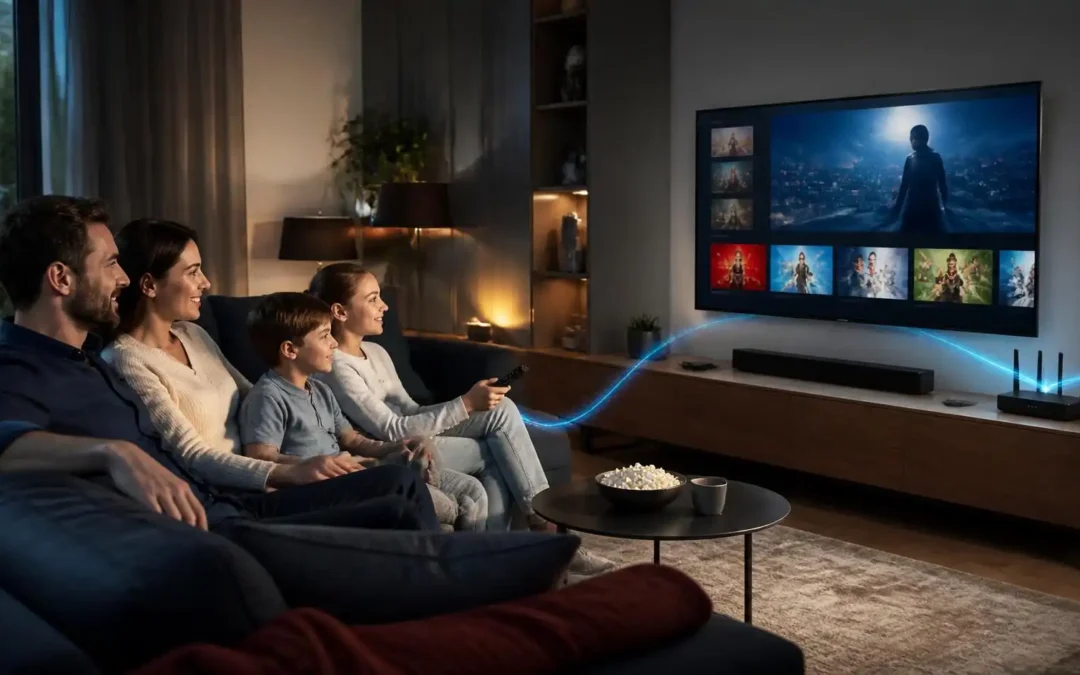
IPTV (Internet Protocol Television) provides television channels and video content over an internet-based IP network, instead of being restricted to traditional cable, satellite or terrestrial broadcasting. When people search for “what is IPTV,” they’re generally looking to understand the IPTV meaning, how IPTV works, what equipment and internet connection it requires, what devices support IPTV, how to set it up and how to solve common issues like buffering or playback errors. IPTV can support different types of viewing, such as live television, video on demand and catch-up content, depending on the service. The technology itself is one of content delivery, the legality and available programming depends on the individual IPTV provider and its content rights. Understanding these basics will allow the users to compare services, choose compatible devices, set up IPTV correctly, and troubleshoot common streaming problems.
What Is IPTV? The Complete Beginner’s Guide to Internet Protocol Television
You may have looked up what is IPTV and seen various descriptions that make the technology seem more complicated than it really is.
IPTV is short for Internet Protocol Television. Simply put, it is a method of transmitting television content over an internet connection instead of traditional broadcast, satellite or cable television formats.
IPTV is not just “watching videos online.” It’s a way to deliver television channels, live broadcasts, on-demand programming and other video content over the internet to a compatible device.
In this guide, we will cover what IPTV means, the way the technology works, what you need to use it, what devices can support it, the differences between IPTV and the traditional television, and what to do when streaming is not working properly.
The goal is simple: when you’re done, you should have a sense of how IPTV works and know what you need to get an IPTV service running or choose one.
What does IPTV stand for and what is it?
IPTV basics
IPTV is an abbreviation of “Internet Protocol Television” a blend of the words “Internet Protocol” and “Television”.
Internet Protocol, or IP for short, is the communication protocol used to send information over networks, including the internet. IPTV leverages this network technology for providing television and video content to viewers.
IPTV offers content delivery through an internet-connected network, unlike traditional means like an antenna, satellite dish, or cable connection.
This makes the internet connection a relevant part of the delivery process.
For example, you can watch a live TV channel on your smart TV with an IPTV app. The application connects to the relevant service, retrieves the video stream over the network and displays it on your television.
IPTV vs normal online video – what is the difference
IPTV and online video services may look the same to the viewer but the terms are not the same.
When you watch a random video on a website, you’re getting a specific piece of content from a web service. IPTV is a broader way of delivering television-style content and services.
Depending on the provider and service, an IPTV service may include live channels, electronic program information, catch-up content or video on demand.
The key thing to understand is that Internet Protocol Television refers to the method of delivery of television content and not a specific application or company.
What are the internet requirements for IPTV?
Yes So, IPTV requires a connection to an IP network to deliver its content.
For home users this typically means using a compatible device to access the internet via Wi-Fi or an Ethernet cable.
But just having an internet connection doesn’t mean that all IPTV services will work properly. playback can be affected by your connection quality, network congestion, device performance, application configuration, and the service itself.
So a fast connection alone will not always address IPTV buffering or playback issues.
How Does IPTV Work?
Step 1: Content is prepared to stream
To be able to watch a television channel using IPTV , the original video has to be prepared for digital delivery.
Content may be live television, recorded television programs or other authorized video sources.
The video is processed and encoded into a form suitable for delivery over the network. The precise technology can differ between services.
The idea is to make the content available as digital data that can traverse an IP network.
Step 2: The video is streamed over an IP network
Once the content is ready, the video data can be sent over a network to the viewer.
Your IPTV app then connects to the service and asks for the stream or content you want.
The network then sends the data to your device.
Unlike conventional broadcast television , which broadcasts the signal through a certain broadcast infrastructure , IPTV uses network communication between the service and the receiving device .
That’s the basic answer to how does IPTV work: the content is prepared for digital delivery, sent over an IP network, received by your device and decoded for playback.
Step 3: Your device gets the stream and starts playing it
Your IPTV app takes that incoming data and processes it so your TV, phone, computer or other supported device can display the video.
A small amount of data may be temporarily buffered. This allows the application to keep playing under minor changes in network speed.
Eventually the buffer will run dry if the incoming data can not keep up with playback. That’s when you may see freezing, loading circles or repeated interruptions.
What do you need to use IP TV?
A stable internet connection
The first practical requirement is a reliable internet connection for streaming video.
The connection quality required will differ based on video resolution, compression, network conditions and the number of devices sharing the same connection.
A person watching a single television may use different amounts of energy than a home that runs several devices simultaneously.
Often it’s more important to look at consistency than just the advertized maximum speed of an internet provider.
Compatible Devices
You will also need a device that is compatible with the IPTV application or can receive the service.
This could be a smart TV, streaming device, Android device, computer, tablet, or smartphone depending on the service.
Always check for compatibility before signing up or setting up a service.
Just because a service is available on one device doesn’t mean the same setup will work on every television or streaming box.
A source of content or IPTV service
Lastly, you need access to an IPTV service or other legitimate source of content.
Different services can offer different types of programming, and use different applications or connection methods.
Before subscribing to a service, make sure you understand what content is available, what devices are supported, what setup information is needed, and if the content is properly licensed for your location.
Not all services that advertize IPTV provide the same level of quality, features, or legal rights.
What Are The Different Types Of IPTV Services?
Live TV Streaming
Live IPTV is a method of transmitting TV channels or other live broadcasts over an IP network.
From the viewer’s standpoint, it can be like traditional television, where you watch content as it is being broadcast.
The only difference is how the content is reaching to the viewer.
In live streaming, network interruptions can easily disrupt the playback, since the playback relies on receiving the ongoing stream.
Video-on-Demand
Video on demand, or VOD for short, is a service that lets users pick from a selection of programs and view them at their convenience.
Unlike a live stream, the viewer doesn’t have to tune into the content at a particular time.
The service may then provide the selected content to the device upon request by the viewer.
This model is common on many Internet video sites, but the exact features and technology can vary.
Catch-up & time-shifted content
Some IPTV platforms offer features that allow viewers to watch certain programs after they have been originally broadcast.
This is sometimes referred to as catch-up TV, replay TV or time-shifted TV.
Availability depends on the service and the rights of the content.
It is important to understand that these features are not automatically included with every IPTV service.
Which Devices Are Compatible With IPTV?
Smart TVs
Plenty of newer smart TVs can run streaming apps themselves.
Actual installation steps differ based on the television operating system and the app store available.
Before attempting to set up IPTV on a smart TV, make sure that your TV model supports the required application.
An external streaming device might be another option if there is no application available.
Android Devices and Fire TV
Another way to get to IPTV applications is through streaming devices and Android-based hardware.
The main thing is to choose a compatible application from a reliable source and follow the legitimate setup instructions given by the service.
Do not simply install unknown apps that promise to give you access to loads of channels.
An unknown application carries potential security and privacy risks.
Phones, computers, tablets
Some IPTV services work with smartphones, tablets and computers.
This can be useful if you want to stream content away from your main TV.
But the experience can be very different depending on the size of the screen, the support of applications, the operating system, the quality of the network and how compatible the service is.
Always check supported platforms before selecting a specific setup.
How to Install IPTV Step-by-Step
Step 1: Verify your device and connection
Before anything else, ensure that your device is compatible with the IPTV service or app you want to use.
Then check your internet connection.
If you have a stationary television or streaming device, connect to the internet with an Ethernet cable if possible. Wired connections can alleviate problems caused by a weak or unstable Wi-Fi connection.
If you have to use Wi-Fi, position your router and streaming device so that the wireless signal is reasonably strong.
2. Install a compatible app
Then install the app that is recommended or supported by your IPTV service.
Use an official app store or other trusted source whenever possible.
Do not download random APK files, modified applications or software from untrusted websites.
Once you’ve installed the app, open it and check out what kind of connection or login options it has.
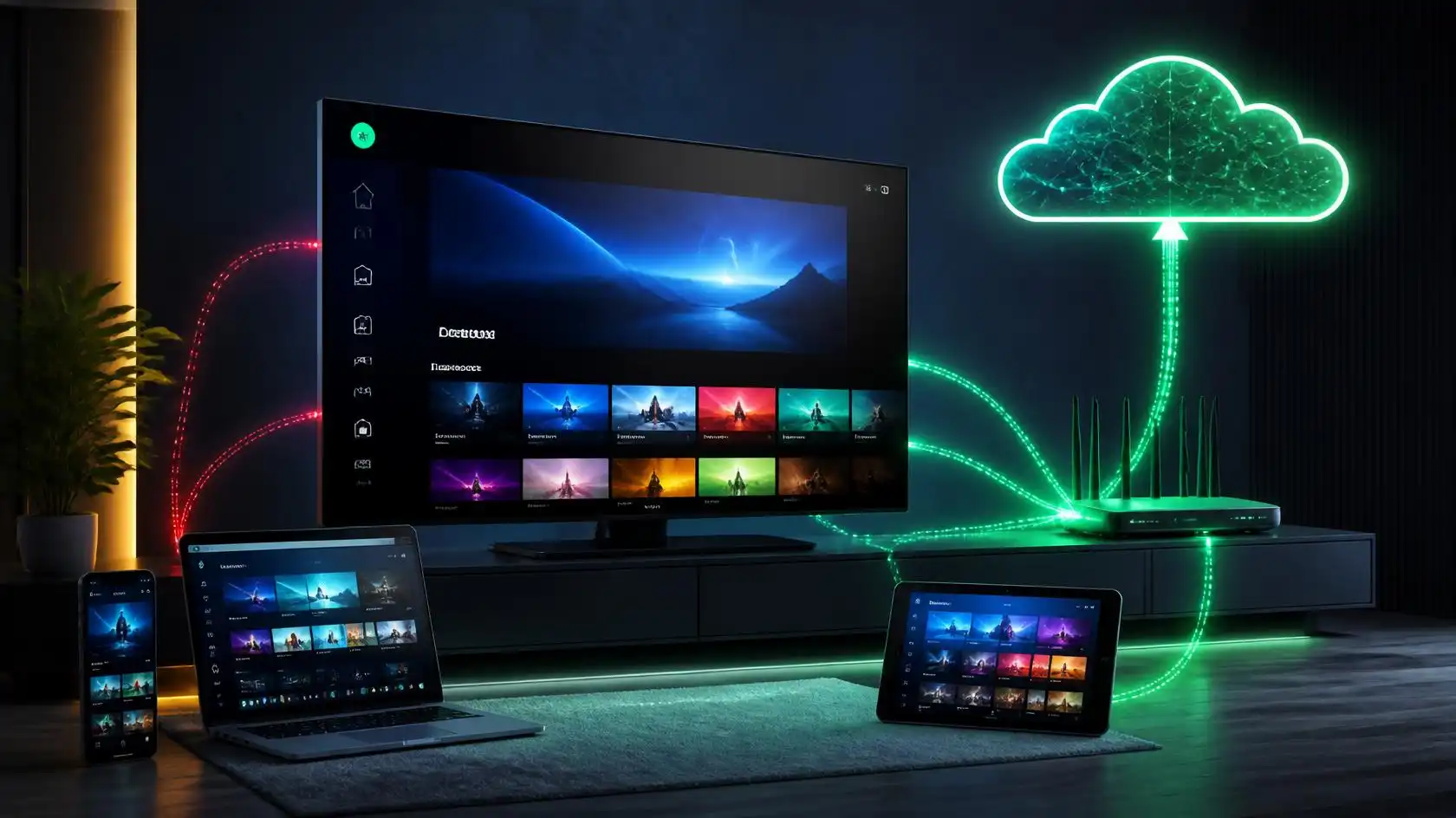
Step 3: Fill in your actual service details
Your IPTV provider might give you specific account credentials, a playlist, or some other supported way to connect.
Carefully enter these details.
A single typing mistake can cause the service not to connect, even if your Internet connection is fine.
Use setup instructions from the provider for your specific device instead of copying settings from a tutorial for a different device.
How to Enhance IPTV Streaming Quality
Use Ethernet when you can
Wi-Fi is great, but wireless performance can vary based on distance, walls, interference, and how many devices are connected.
If your TV or streaming box is close enough to your router, Ethernet can offer you a more reliable connection.
This is especially useful if you are having buffering problems but your internet speed test says you are OK.
Decrease network congestion
Other devices may impact streaming performance.
Big downloads, cloud backups, online gaming, video calls and multiple streams at once can all compete for network capacity.
If you notice that IPTV is buffering all the time, stop other heavy network activities for a while and try to check playback again.
If the problem goes away it is not the IPTV application, but congestion on the network.
Ensure your app and device are up to date
Software patches can fix bugs, improve compatibility and solve performance problems.
See your device and IPTV app for any updates available.
Also make sure you have enough free storage space on devices that need local storage for application data and updates.
Common IPTV Issues and How to Fix Them
IPTV continues to buffer.
Buffering can be due to a number of causes.
First, check the Internet connectivity on the same device on which you are facing the problem. Then check if other devices are hogging the network.
Sometimes, temporarily restarting your router and streaming device can fix connection issues.
If all your other internet services are working fine but one particular IPTV stream is buffering, the problem could be with the stream or the service itself rather than your internet connection in general.
Don’t expect that a faster internet package will solve the problem straight away.
IPTV not loading
If the app will open but not load content, check your login credentials and connection info.
Restart the app. Restart your device.
If possible, try another piece of content. This helps to determine whether the problem affects everything or just one channel or stream.
If the entire service is down but other Internet applications are working properly, contact the service provider for assistance.
IPTV works on one device but not on another
This typically indicates a compatibility, configuration, or device issue.
Make sure both devices are using the same application and connection method.
Also, compare their network connections.
For example a computer connected by ethernet may be working normally, but a smart TV connected by weak wifi may have problems .
Trying the same service on another device can help isolate the problem.
What Not To Do When Choosing IPTV
Don’t choose a service based solely on price
A low price is no indication on whether a service will be compatible, reliable or legal.
Before selecting a provider, review supported devices, available features, setup requirements, customer support options, and the legality of content in your region.
Price should be a factor, but not the only one.
Don’t forget compatibility
A very common mistake is to subscribe first and then check the compatibility.
Know your device model and operating system before making payment.
Then make sure the service and the application support it.
This can help avoid any unnecessary set up problems.
Don’t assume all IPTV services are legal
IPTV is just a name for a delivery technology. This does not imply that a given service is automatically allowed to carry every channel or program it advertises.
If you’re considering a service, ensure that the content is properly licensed and that the terms are clear.
Like any other IPTV brand, Viking IPTV should be evaluated by the actual service information and the setup it supports, not by assumptions based only on the IPTV label.
Many wonder if IPTV is legal and safe to use.
The technology of IPTV itself is legal,
There is nothing illegal about using Internet Protocol Television.
Legitimate TV networks, broadcasters and streaming services all have ways of getting content across the internet.
The main difference is between the technology and the content source.
IPTV is simply the delivery of video over an IP network.
Content Licensing Hurdles
Whether or not an IPTV service is legal depends in part on whether the service has the rights to distribute the content it offers.
This varies depending on the country and the type of programming.
Check the terms of the provider and information on rights of the content before subscribing.
One warning sign is a service that makes unreasonably high promises about access to copyrighted programming without explaining its licensing.
Secure your device and personal information
Install IPTV apps from sources you trust only.
Update the operating system and apps on your device.
Where you need to create accounts, use strong, unique passwords and don’t share personal info with services you don’t know.
Watch out for apps that ask for permissions that have nothing to do with what the app actually does.
How to Select an IPTV Service
Check device compatibility first .
Start with the device you intend to use.
Write down the model and operating system then verify that the service supports it.
If you are going to be watching on a range of devices, make sure that they are all supported, rather than assuming that one compatible device will be compatible with all the other devices.
See features and support
Think about whether you want live television, VOD, catch-up features, an electronic program guide, multi-device support or some other feature.
And, check how the provider deals with technical support.
A clear setup instruction can be a big help for beginner.
Check terms before paying !
Before you pay, read the service’s pricing, renewal, refund, cancelation and usage terms.
Be certain that you know precisely what you are buying.
Don’t choose based on screenshots, social media posts or claims in ads.
For account and billing information please refer primarily to the provider’s own current terms.
IPTV – Frequently Asked Questions
What is IPTV in simple terms?
IPTV is short for Internet Protocol television, which is television content sent over the Internet protocol network. Instead of being limited to traditional broadcast, cable or satellite delivery, IPTV can send video to a compatible device over an Internet-based connection.
How does IPTV work?
IPTV content is prepared for digital delivery and is streamed over an IP network. Your IPTV application or compatible device receives the data, processes it and displays the video . Some data may be held in a buffer for some time to aid playback.
Do I need wifi for IPTV?
IPTV needs to be connected to a network but it doesn’t have to be Wi-Fi. Often you can use Ethernet instead. If Wi-Fi is weak or the streaming device is close to the router, a wired connection may be useful.
Yes, you can watch IPTV on a Smart TV
Many smart TVs support IPTV applications but it is contingent upon the operating system of the television, its model and the application that the service supports. * Please check compatibility before creating an account.
Why does my IPTV buffer all the time?
Buffering can be caused by many things including unstable internet, network congestion, weak Wi-Fi, device limits, issues with the application or the stream itself. Try to test the connection, reduce other network activity, reboot the equipment and compare different streams to find the source.
Is IPTV same as Netflix or YouTube?
Not quite. Netflix and YouTube are online platforms and services. IPTV is a generic term for the delivery of television or video over IP networks. Some IPTV services may include features such as live channels, VOD or catch-up content.
Is IPTV illegal?
The IPTV technology itself is legal. The important thing is whether a specific provider has the rights to distribute the content it offers. Always check the licensing information and terms of the provider, especially if copyrighted channels or programs are involved.
Conclusion:
When you look at the technology from the individual services that use it, it becomes a lot easier to understand what is IPTV.
“IPTV (Internet Protocol Television) is the transmission of television and video content through an IP-based network. Depending on the service, viewers may be able to watch live television, video on demand or catch-up features on compatible devices.
The successful installation of an IPTV service is not just a matter of installing an app. You need a compatible device, a good internet connection, compatible software, and a legitimate source of content.
If you’re having issues, start with the basics: check your connection, try a different device or stream, reduce network load, update your software, and check your service information.
If you are new to IPTV or are about to start a service like Viking IPTV, understanding the technology will help you to make smarter decisions and troubleshoot issues more effectively.
Trackbacks/Pingbacks